亲身体验 Whisk AI
探索不同的提示技术如何带来显著改进的结果。
艺术风格增强
直观地识别您的艺术愿景,并提升您的创意提示,使其栩栩如生。系统识别您所追求的特定风格,并增强您的指令,以提供真正捕捉您艺术意图的结果。
视觉构图
通过战略性提示设计,学习引导 AI 制作完美平衡、引人注目的构图的艺术。
氛围元素
了解如何通过指定照明细节、情绪元素和氛围品质来生成真正触动情感的图像。
更多 Whisk AI 风格
卡片风格艺术
识别预期的艺术风格,并用精确的风格描述符增强提示,以获得更好的结果。
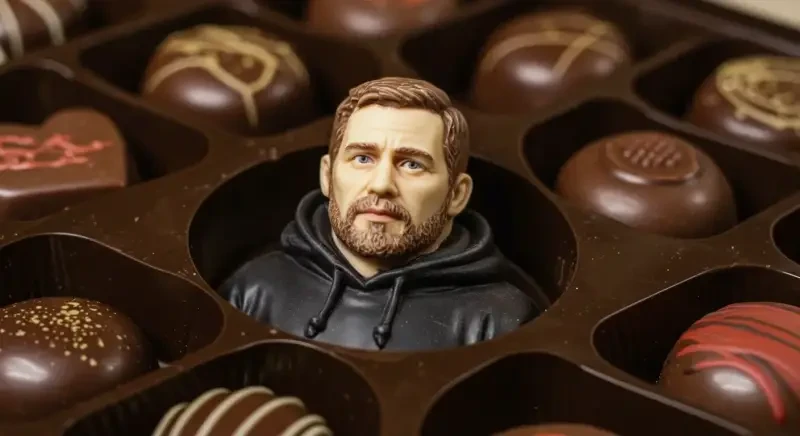
盒子视觉巧克力构图
学习如何引导 AI 通过提示工程创建平衡、视觉上吸引人的构图。
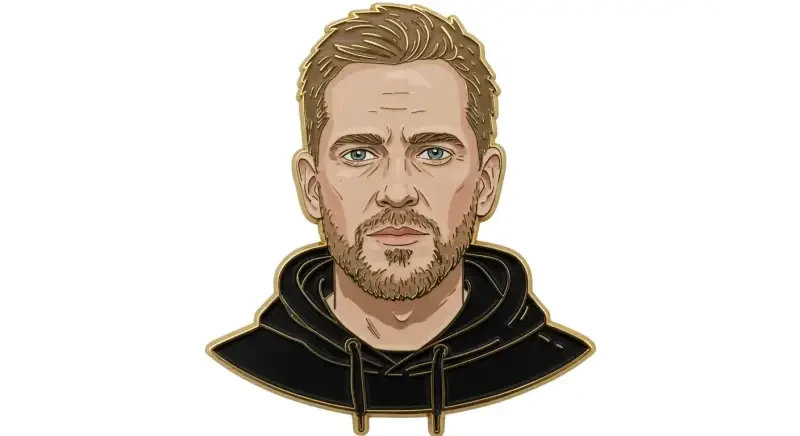
珐琅氛围徽章元素
探索详细的照明、情绪和氛围提示如何创造情感共鸣的图像。
Understanding Whisk AI Styles
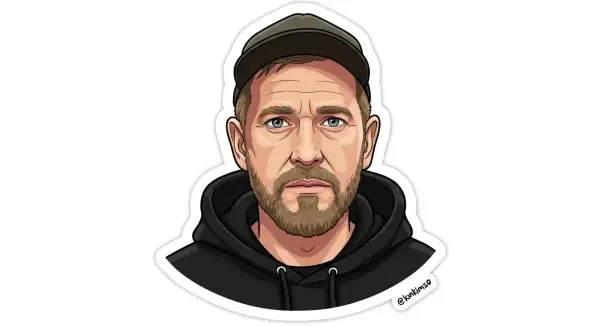
Sticker Style
Creates images with thick black outlines, bright saturated colors, and a playful, cartoonish aesthetic. The output looks like a vinyl sticker you'd put on a laptop or water bottle simple, bold, and eye-catching. Works best with characters, animals, and simple objects.
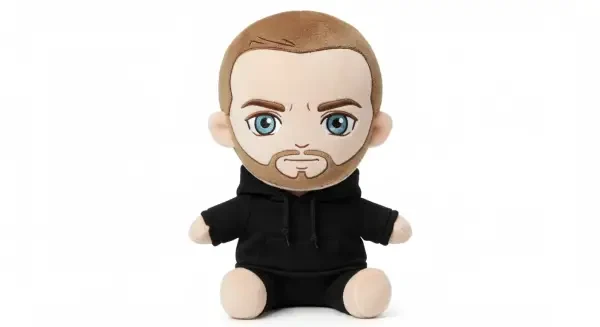
Plushie Style
Transforms your subject into a soft, cuddly plushie toy photographed on a clean white background. Features button eyes, fabric textures, and a chibi (super-deformed cute) proportions. Ideal for character designs, mascots, and merchandise concepts.
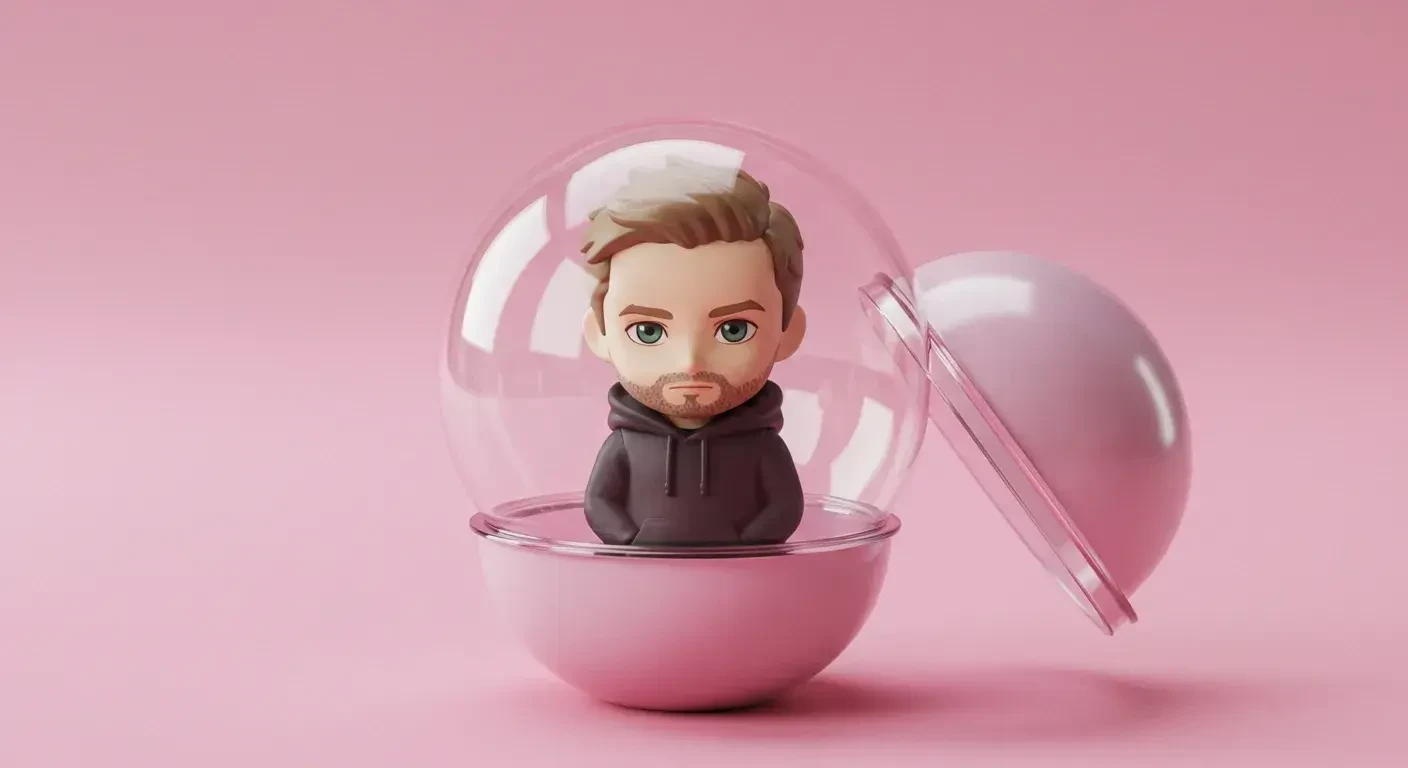
Capsule Toy Style
Renders your subject as a kawaii figurine inside a translucent plastic capsule the kind you'd get from a vending machine in Japan. Features clean product photography lighting, glossy plastic textures, and miniature proportions. Great for collectible-style presentations.
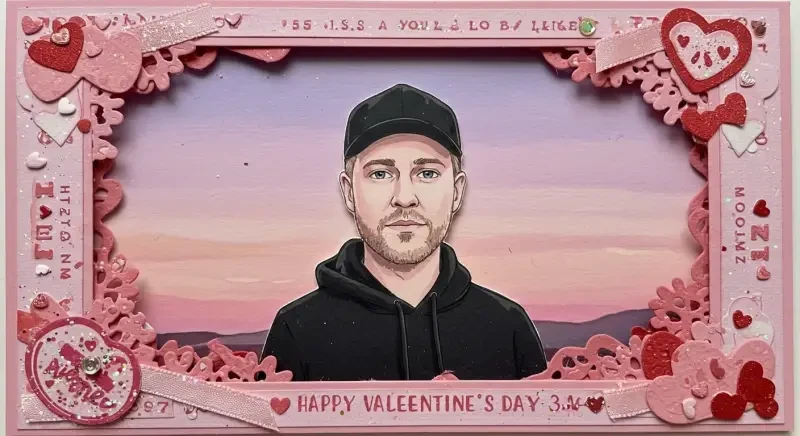
Card Style
Creates illustrations with a trading card or greeting card aesthetic. Features decorative borders, balanced composition, and rich color palettes. The style works well for portraits, scenes, and character art with a polished, collectible feel.
Chocolate Box Style
Produces warm, elegant illustrations reminiscent of classic chocolate box art. Features soft lighting, romantic compositions, and painterly techniques. Best suited for landscapes, portraits, and scenes with a nostalgic, premium quality.
Enamel Pin Style
Generates designs that look like metal enamel pins with clean lines, flat color fills, and metallic borders. The style features simplified shapes, limited color palettes, and the distinctive raised-edge look of real enamel pins. Perfect for logos, icons, and small symbolic designs.
Tips for Better Results
Be Specific About Your Subject
Instead of "a dog," try "a golden retriever puppy sitting." The more specific your subject description, the more accurate and detailed the output. Whisk enhances your prompt, but starting with clarity gives it more to work with.
Experiment with Style Combinations
Try the same subject across different styles to find what works best. A character that looks average as a sticker might look amazing as a plushie. Each style has strengths for different types of subjects and compositions.
Use Reference Images
Whisk's three-image blending system (subject + scene + style) gives you precise control. Upload reference images for each input to guide the AI more accurately than text alone. This is what sets Whisk apart from pure text-to-image tools.